Monday, October 6, 2014

Symantec Netbackup 7.6.0.1 Command Line Tutorial


Symantec Netbackup 7.6.0.1 Command Line Tutorial:

To list the netbackup process status

bpps -s  --- short list

bpps -l   --- long list


To list the storage units,

bpstulist

bpstulist -label stname -L  --- For Detailed list.


To add the new storage unit disk type.


To list  the new storage unit.


 To delete the storage unit.


Create a new directories in Media server and use these directories for the storage unit.


To add the storage unit with enable the root file system.


To list the storage unit groups.


To create a new storage group using the existing storage units.


List the storage unit groups in GUI.


To list the policy information and add a new policy.


To list the policy information.


To modify the storage unit information.


Adding a schedule to an existing policy.


To check this information in Admin console also.


Adding backup clients to an existing policy.


To add the backup selection to an existing policy.


To run the backup in the client server.
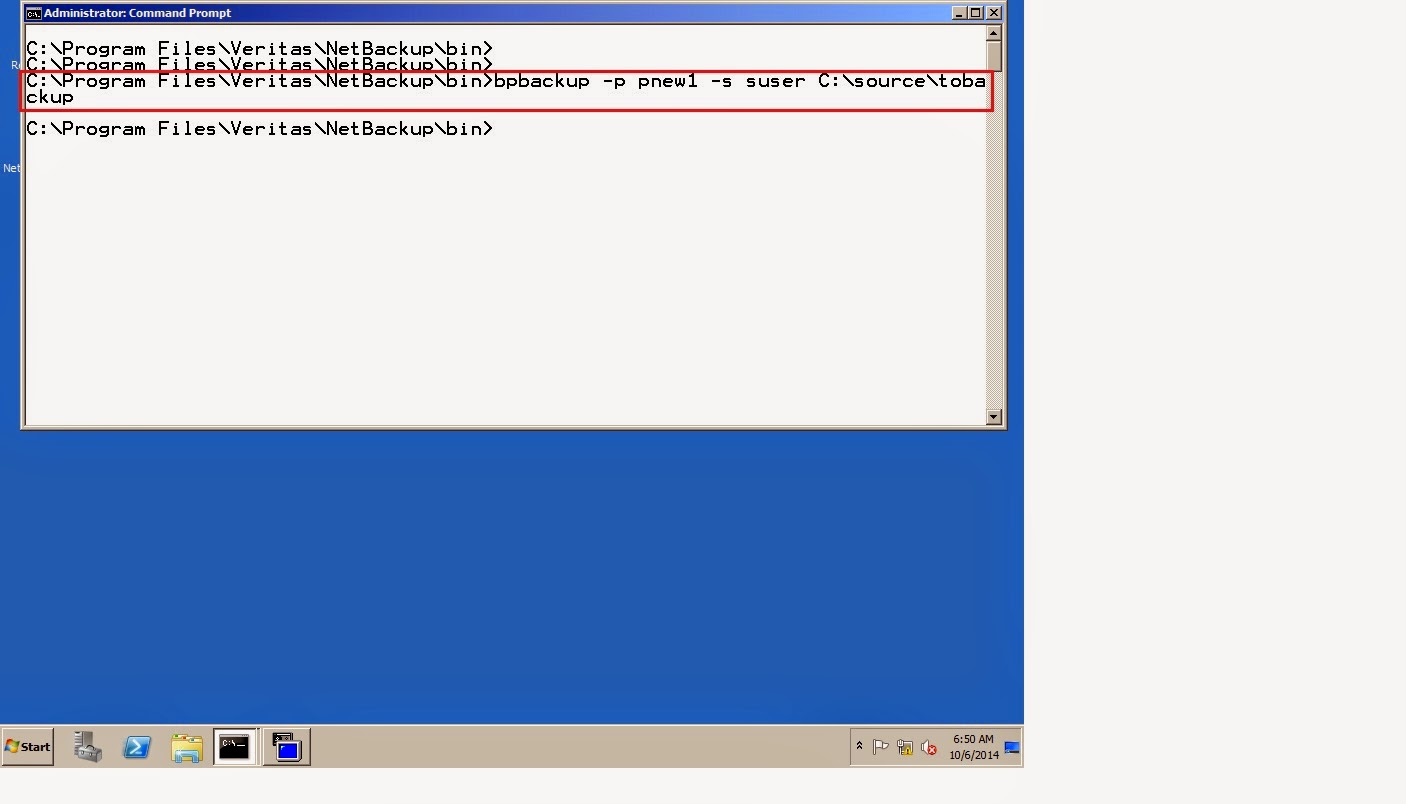


The backup job started successfully.


The backup job completed successfully.


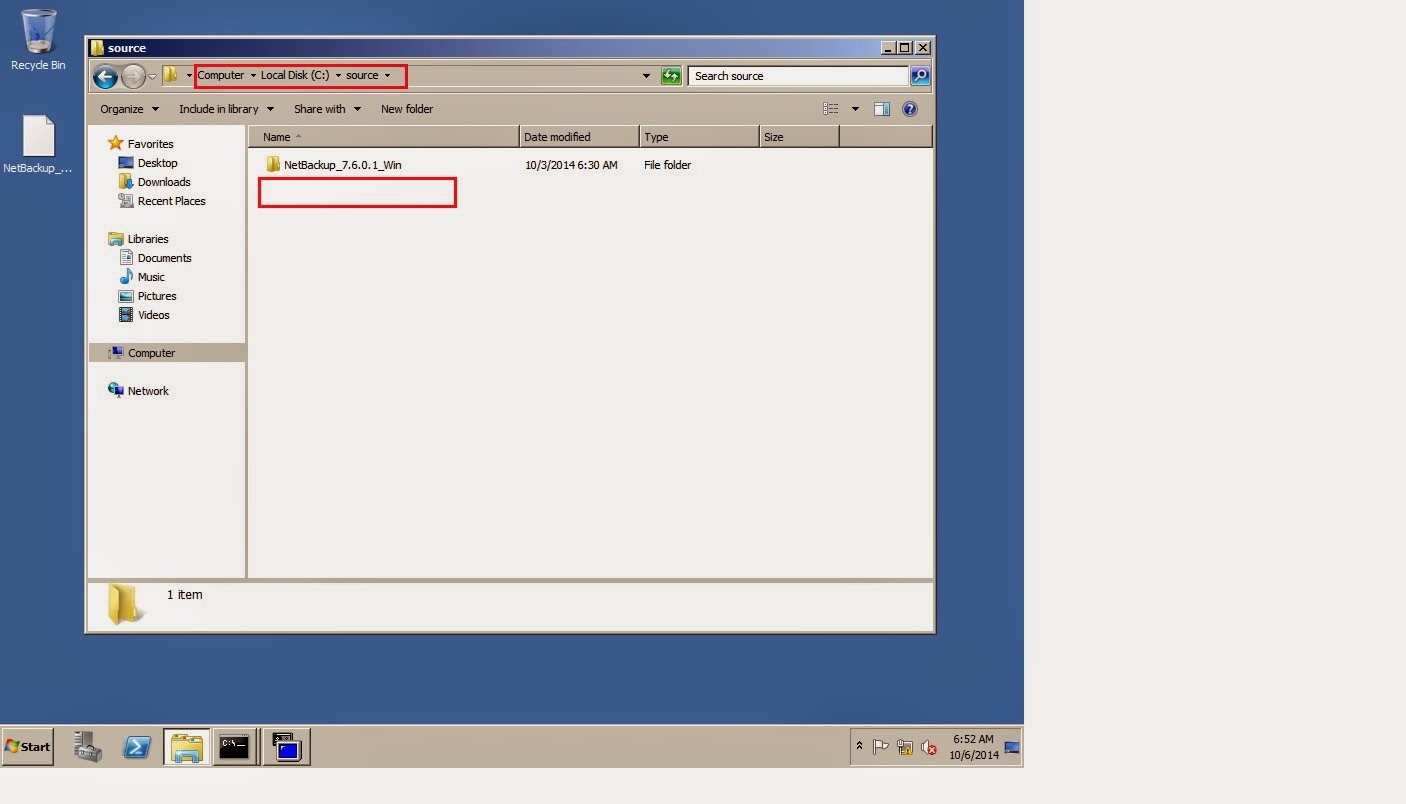
Delete the source folder for restore.


Source folder got deleted.


To restore the backup file using command line.


The restore job run successfully and done successfully.


 To check in the client side, that file restored successfully.

To configure the unified logging.


To view the unified log files.


To list the netbackup global configuration.


Sunday, October 5, 2014

NetApp C-Mode Configuration

NetApp C-Mode Configuration:


Cluster configuration:

From first node, power on and press control-C, to get the advanced boot menu.


Select the Advanced boot menu option 4, clear all configuration and initialize the disks.


Say yes to clear the configuration and create a new file system.


It reboots automatically.


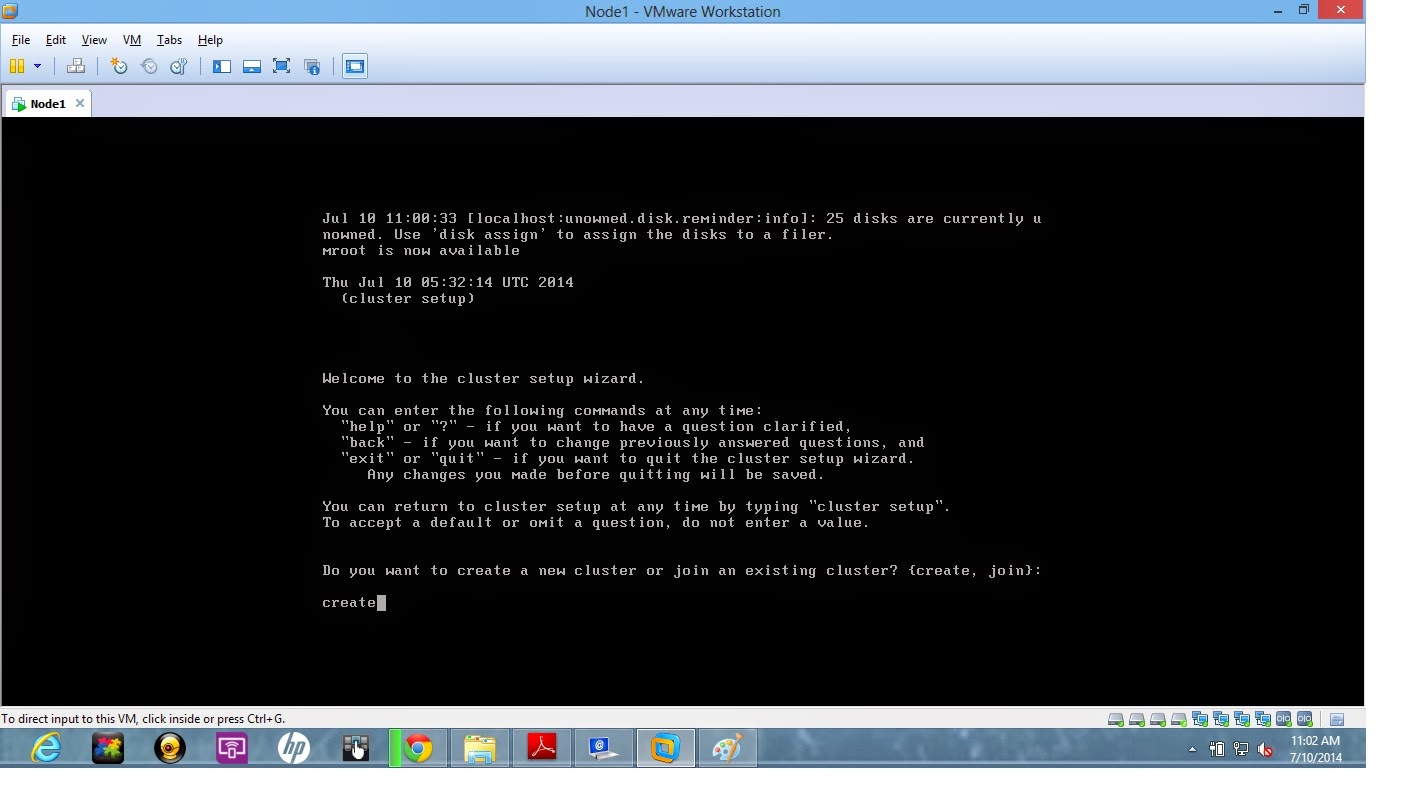
Now we need to create a cluster, type cluster create.


Specify the cluster name in Node1.


Select the network interfaces and then say yes.


Cluster created successfully. If you want to add an another node repeat same procedure and instead of cluster create, you type cluster join.


Login to the C-Mode NetApp Storage using Putty.


Check the cluster health. 


Check the cluster node information.


Press "?"  to get all the command description and help.


Check the cluster status. Now both nodes are working fine.


To change to privileged mode.


Check the cluster master and member details.
Check the cluster services.


Add disks to an existing aggregate.


Checking the licenses.


After adding licenses.  use system license add "xxxxxx"


To list the volumes.


To list the vservers.


To create new volume.